
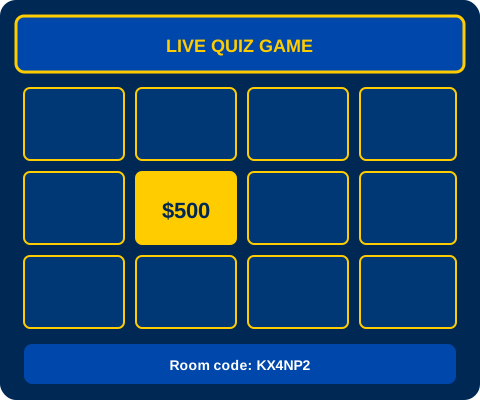
 core
coreClassic
Earn money. Buy power-ups. Win.
2–40+ playersLearn more
Need a review game before the bell? Make a quiz, throw a code on the board, and let kids join from their phones. They earn fake money, buy power-ups, and actually pay attention.
About GimKit
GimKit is a free way to run live quiz games in your classroom. No account, no download. Pick a quiz or write your own, share a six-letter room code, and you are live in about a minute.
Kids earn virtual cash when they get answers right. Between questions they can spend it on Double Money, Shield, or Hint. Wrong answers cost money too, and that keeps them from clicking random buttons. The scoreboard updates live so everyone sees who is ahead.
And if you do not want to build from scratch, we have 23 game modes (Classic, Knockout, Boss Battle, Infinity, and more). Grab a kit from our quiz library or start fresh on Create.
Practice mode
Pick any quiz from the library and practice alone with bot classmates. Same money and power-ups, self-paced questions, and progress saved on your device.
Get started

Teacher

Student
How GimKit works
Use a template or write your own questions.
Write the room code where kids can see it.
Gold buttons, money, power-ups. Kids love it.
Scoreboard shows who won. Bell rings, done.
GimKit game modes
coreEarn money. Buy power-ups. Win.
 core
corePool your cash. Win together.
 core
coreWrong answer? You are out.
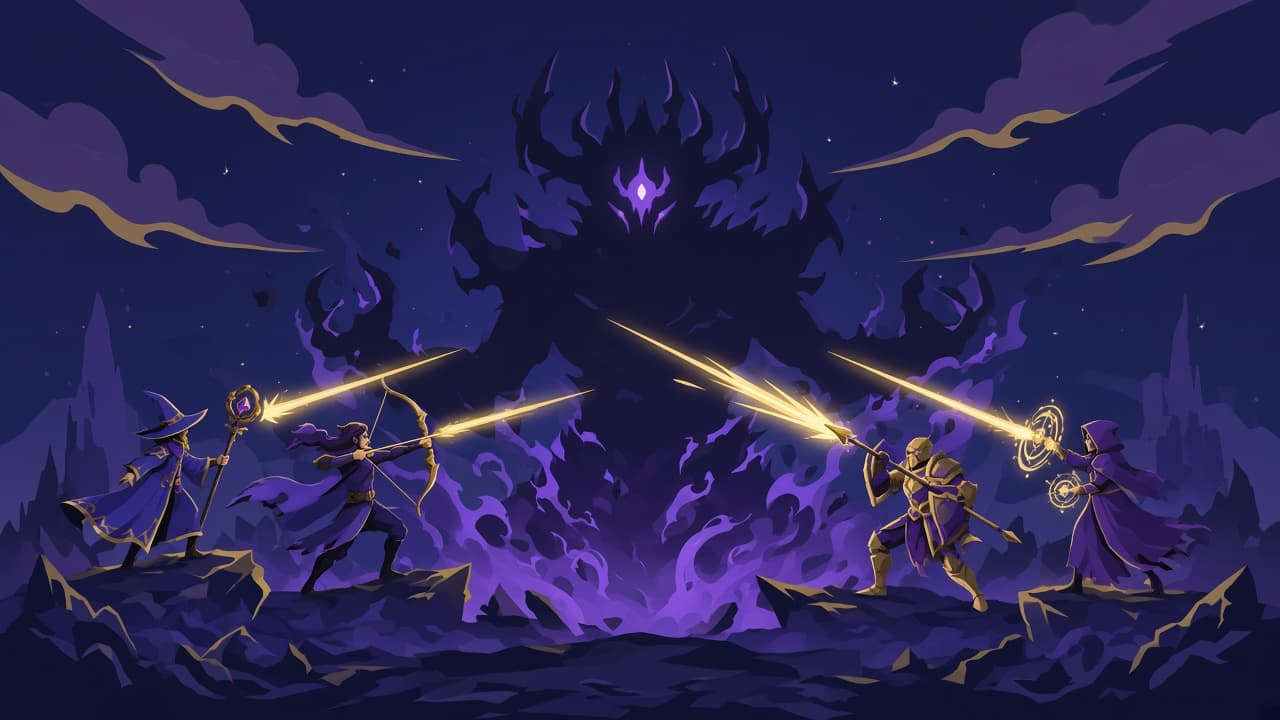 strategy
Damage the boss with correct answers.
 adventure
Survive the outbreak.
adventureJump platforms. Answer fast.
adventureFind the impostor.
Quiz library
GimKit FAQ
GimKit is a free site for live quiz games in class. You pick or write questions, share a room code, and kids join on their phones. They earn fake money for right answers and can buy power-ups between questions.
Yes. You don't need an account or a credit card. Create a game, get a code, and host your whole class for free.
They open the Join page, type the 6-letter code you put on the board, add their name, and tap the gold answer buttons. Any browser works.
Classic, Team, Knockout, Boss Battle, Infinity, Super Rich, and 17 more. Each one changes how money and scoring work. You pick the mode when you create the game.
Yep. We have math, science, English, history, and art quizzes ready to go. Host one as-is or tweak the questions first.
Nope. It runs in the browser. You create at Create, kids join with a code. No app store, no install.