
 core
coreClassic
Earn money. Buy power-ups. Win.
2–40+ playersLearn more
Pick a mode, load a ready-made kit, share a code. Classic money games, Knockout, Boss Battle. All free.
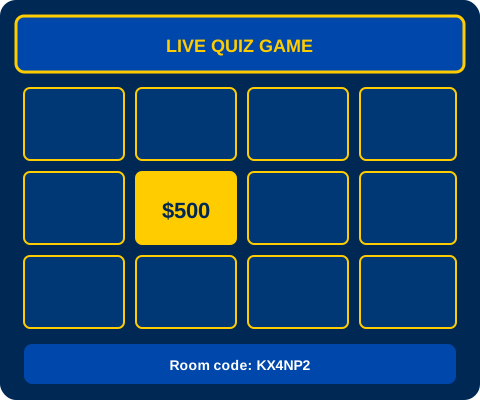
GimKit is not just one quiz game. Each mode changes how kids earn money, lose points, and compete. Classic is the default: answer questions, stack cash, buy power-ups. Knockout removes kids after a wrong answer. Boss Battle makes the whole class fight together.
Every mode page includes ready-made quiz kits. You do not land on an empty screen. Pick fractions for Classic, state capitals for Team Mode, or cells for Knockout. Host in under a minute.
Not sure where to start? Browse featured modes below, or jump to Classic, the quiz library, or Create to write your own questions.
Start with these — tap Host in this mode to go live fast.
coreEarn money. Buy power-ups. Win.
 core
corePool your cash. Win together.
 core
coreWrong answer? You are out.
 strategy
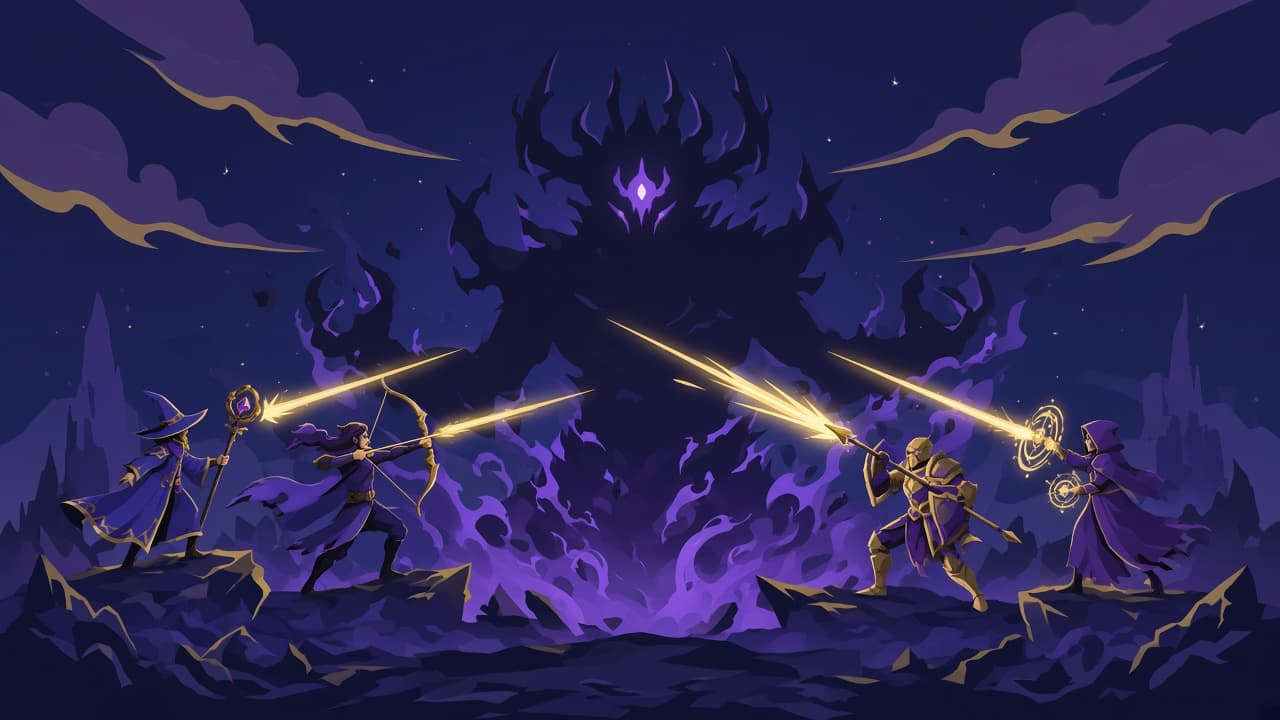
Damage the boss with correct answers.
 core
coreQuestions never stop until you do.
 adventure
Catch fish. Sell for profit.
 strategy
Double the economy. Big swings.
adventureSurvive the outbreak.
Adventure, seasonal, and specialty modes for when you want something different.
adventureJump platforms. Answer fast.
adventureFind the impostor.
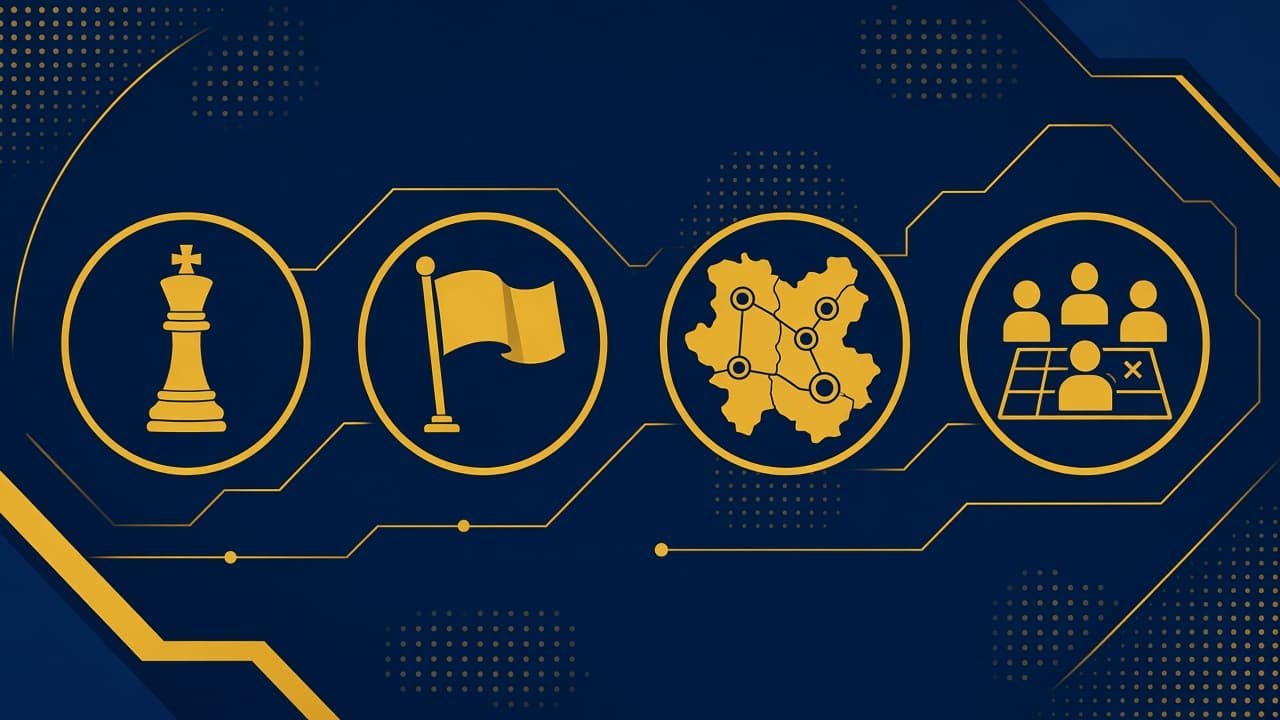
strategySteal flags. Defend yours.
adventureClimb higher with every answer.
 seasonal
Outlast the blizzard.
adventureHack the city. Answer to upgrade.
adventureColonize Mars with brainpower.
strategyGrow crops. Build supply chains.
seasonalSnowball fight trivia.
adventureMine gems. Answer to dig deeper.
adventureEscape the room.
adventureTag players by answering fast.
 core
coreSketch clues. Guess answers.
coreBuild the kit together.
corePractice alone. No pressure.
Game modes FAQ
There are 23 modes on GimKit. Core modes like Classic and Team cover most classrooms. Adventure and seasonal modes add themes when you want something fresh.
Start with Classic if you are new. Kids understand money and power-ups fast. Try Knockout when you want high stakes before a test. Team Mode works when you want quieter kids contributing to a group score.
Yes. Every mode page lists ready-made kits you can host in one click. Pick math, science, history, or ELA kits, or build your own on Create.
Yep. Load a kit once, then switch the mode on Create. The questions stay the same. Only the scoring rules change.
23 modes. Free forever. Browse quiz library